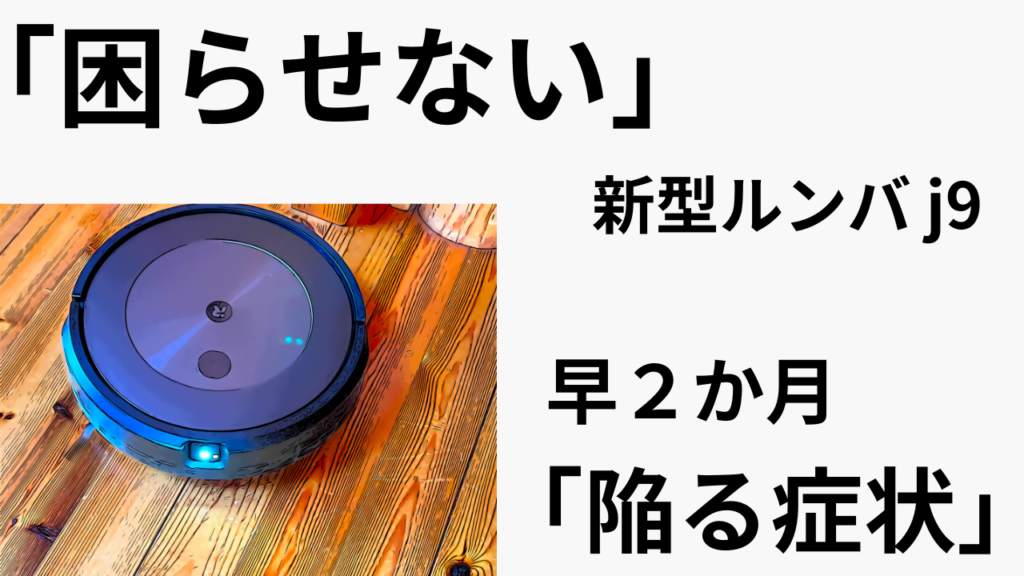
I’ve been renting it from Rentio for 2 months now!
*You get 3 months free right now!
It cleans automatically for you,
which is surprisingly convenient.
It’s really great for people who are away a lot.
Maybe at first?
You get excited and run it frequently…possibly
There are parts that aren’t as smart as you’d expect,
so if you don’t know how to work with it properly,
“it can be quite frustrating.”
Just for your reference.


 ポチップ
ポチップ
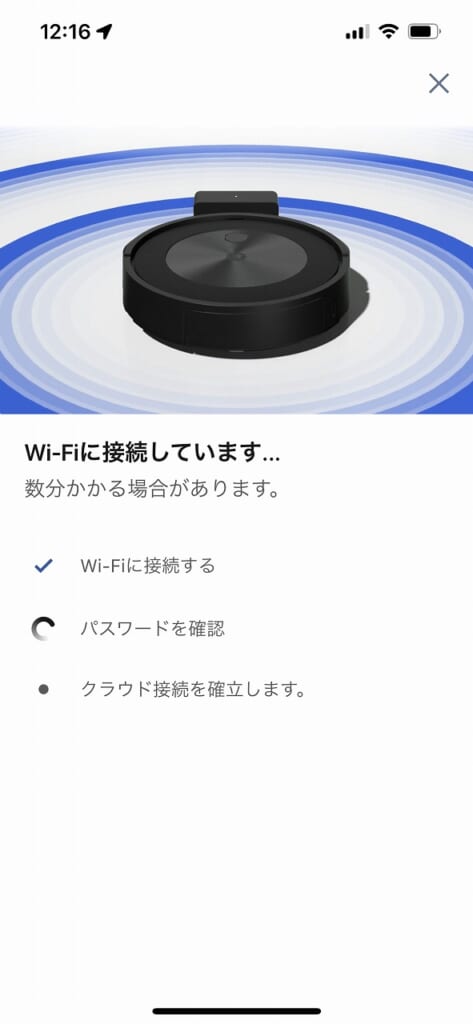
For some reason, the Wi-Fi signal is weak…quite a bit.
I’ve had to reconnect this Wi-Fi so many times.
It just won’t connect…* The Roomba isn’t the problem.
I think there would be no issues with “fiber optic” internet.
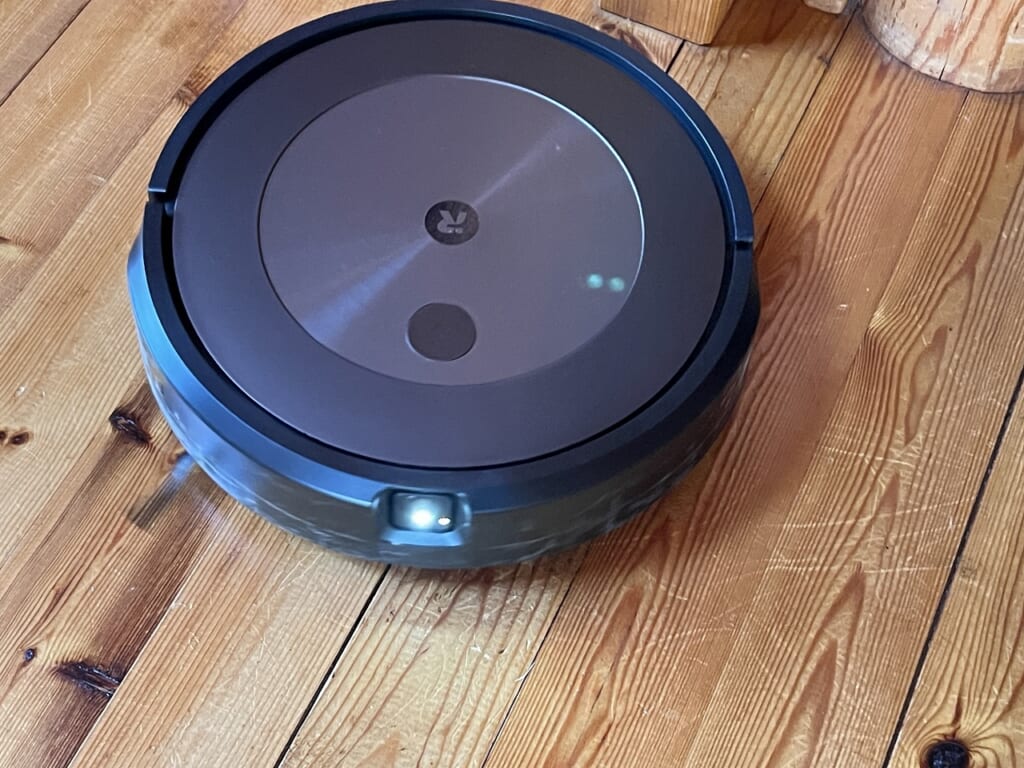
It’s better not to use it in dark areas.
From my experience, when using it in dark areas,
about 70% of the time it comes back, but 30% of the time it gets lost.
When that happens,
it can’t get back to the dock and stops with a dead battery – stranded.
You have to manually rescue it.
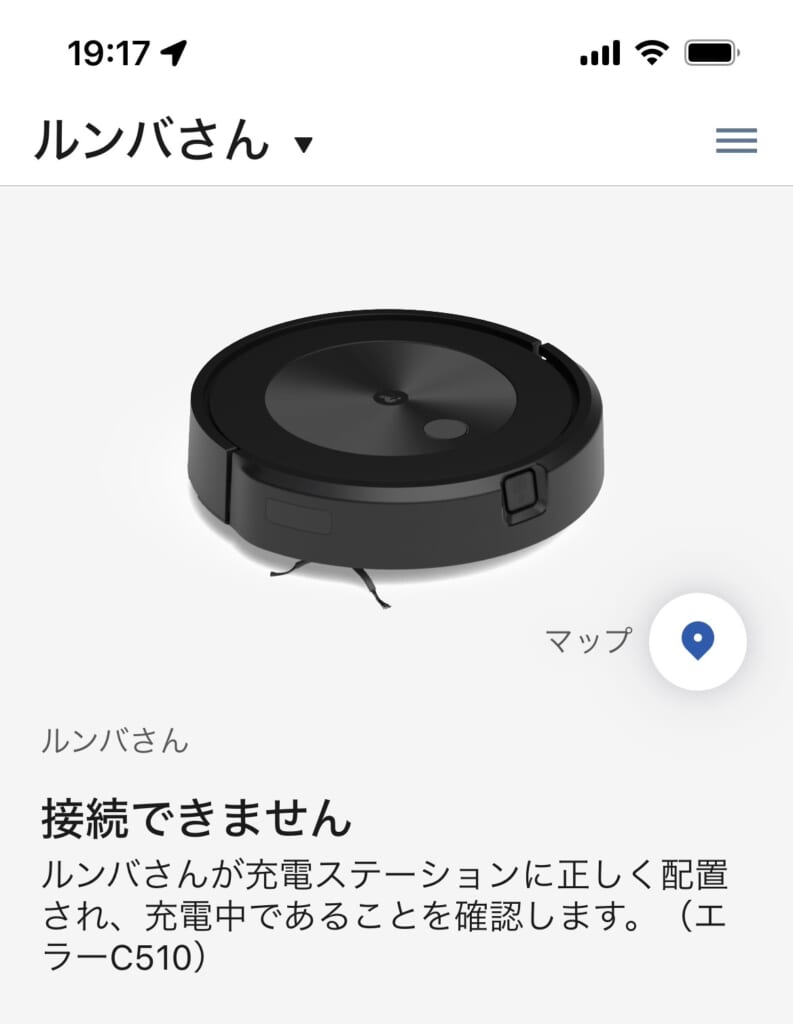
Watch out for this screen. It appears when the signal is weak or lost and it can’t connect.
Plus, in dark areas, it’s more likely to get caught on obstacles.
Once I started using it when it was brighter,
“errors” stopped appearing (*´ω`*)
When this screen appears frequently, resetting the Wi-Fi brings it back to life.
Too many errors and it starts acting up.
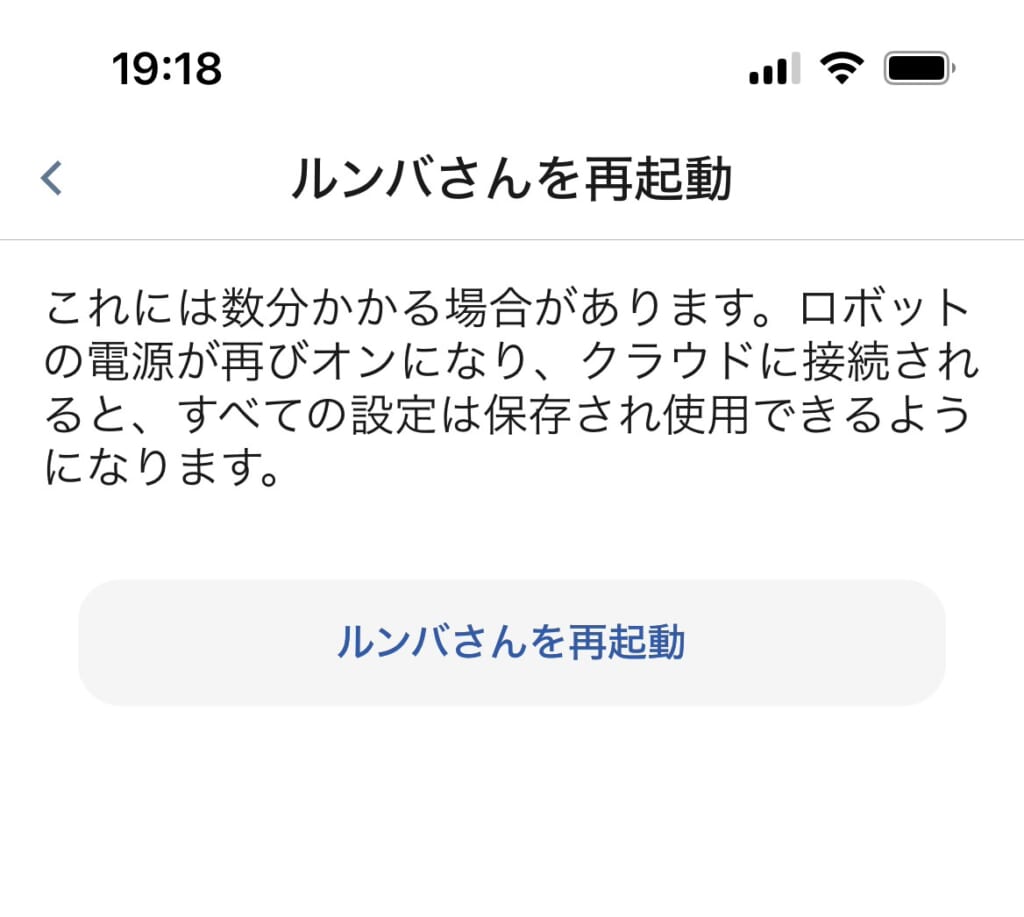
When it won’t connect due to an error, try restarting it.
This is quite important,
and it has a pretty good chance of working.
It’s not as smart as I hoped.
Even with obstacle avoidance enabled,
“it bangs away”constantly hitting things!
It’s gotten quite scratched up.
I’m guessing it might fall down stairs?
I’m worried, so I’ve set it up to avoid getting near steps or stairs.
My prediction is“it will definitely fall”
and then break. That’s my future prediction…
What I felt from using it is
it’s definitely convenient, but you can’t just leave it alone.
If you know how to work with it, I think it’s an amazing tool.
It’s fun to try renting one before buying!
ポチップ