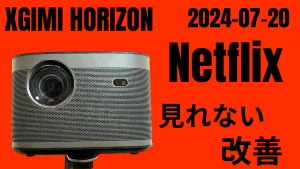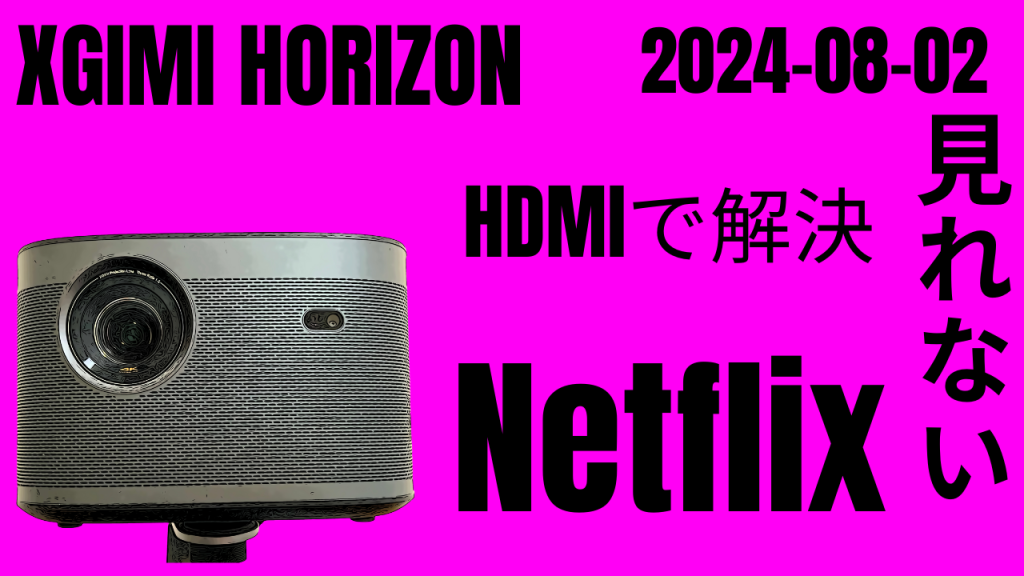
Finally, Netflix stopped working at our house too.
A screen appeared saying something like “not supported,” and I couldn’t get past the menu screen.
Since I really wanted to watch “The Swindlers,” I worked hard to find a solution and I’ll share the method that worked.


 ポチップ
ポチップ
Netflix won’t play with iPhone screen mirroring.
I first tried connecting my iPhone and XGIMI HORIZON PRO via Wi-Fi and using screen mirroring to watch.
As a result, this connection gave a DRM protection error and I couldn’t watch.
I downloaded “AirScreen” from the projector’s Play Store, launched it, and mirrored from the iPhone side.
Some content can be watched this way, so “AirScreen” might be worth installing.
In this case, as long as you’re on the same Wi-Fi, it connects wirelessly, which means you can use your iPhone while charging it.
After all, wired HDMI is the solution
So I had no choice but to connect my iPhone and XGIMI HORIZON PRO with an HDMI cable to watch.
It’s pretty primitive, but it works reliably.
I only realized this after trying it, but
when you connect the HDMI cable, the screen comes up automatically and you can watch right away.
You don’t need any apps. Really, just plug it in.
The issue is that your iPhone’s battery life is critical, so I recommend fully charging it before watching.
*Maybe you can watch while charging? I haven’t tested that.
 ポチップ
ポチップ
 ポチップ
ポチップ