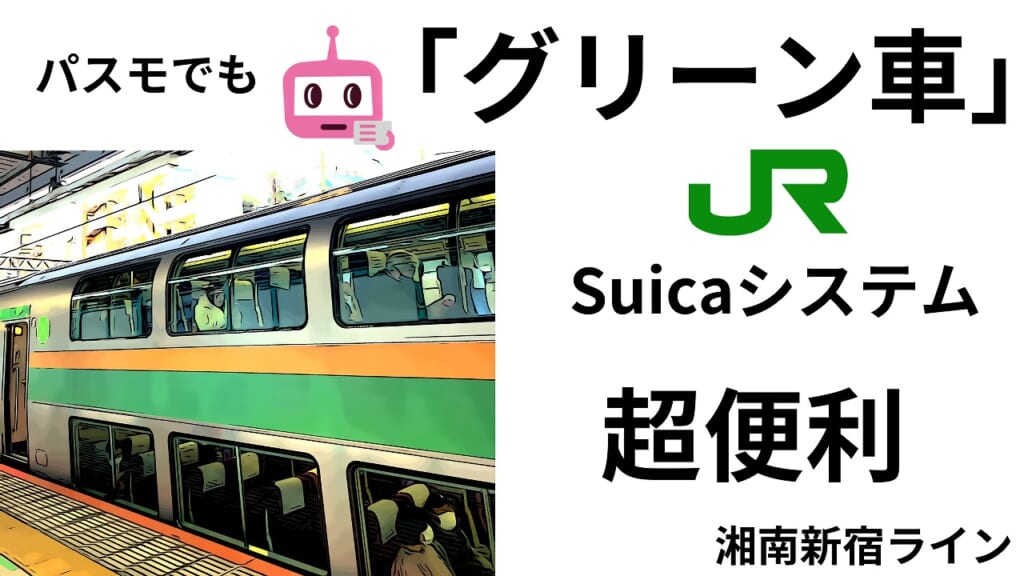
The conclusion of this article
- Conclusion: If you have a card-type PASMO, you can use it directly at JR East’s Suica green car ticket machine.
- How to buy: Place your PASMO on the platform or at the ticket machine, select your destination, and the green car ticket information is recorded on your card.
- How to ride: Touch your PASMO to the “Suica mark” above the seat, and if the light turns green, you’re good to go.
- Things to watch out for: Mobile PASMO (including PASMO on Apple Pay) is not supported.
A must-see for PASMO fans? The “Green Car Suica System” works with PASMO too (;’∀’)
Actually, you can use PASMO on JR East’s regular train green cars.
But there are conditions……
Only card-type PASMO works.
Mobile PASMO is not supported, so please be careful~
PASMO card only. Mobile PASMO is not allowed.
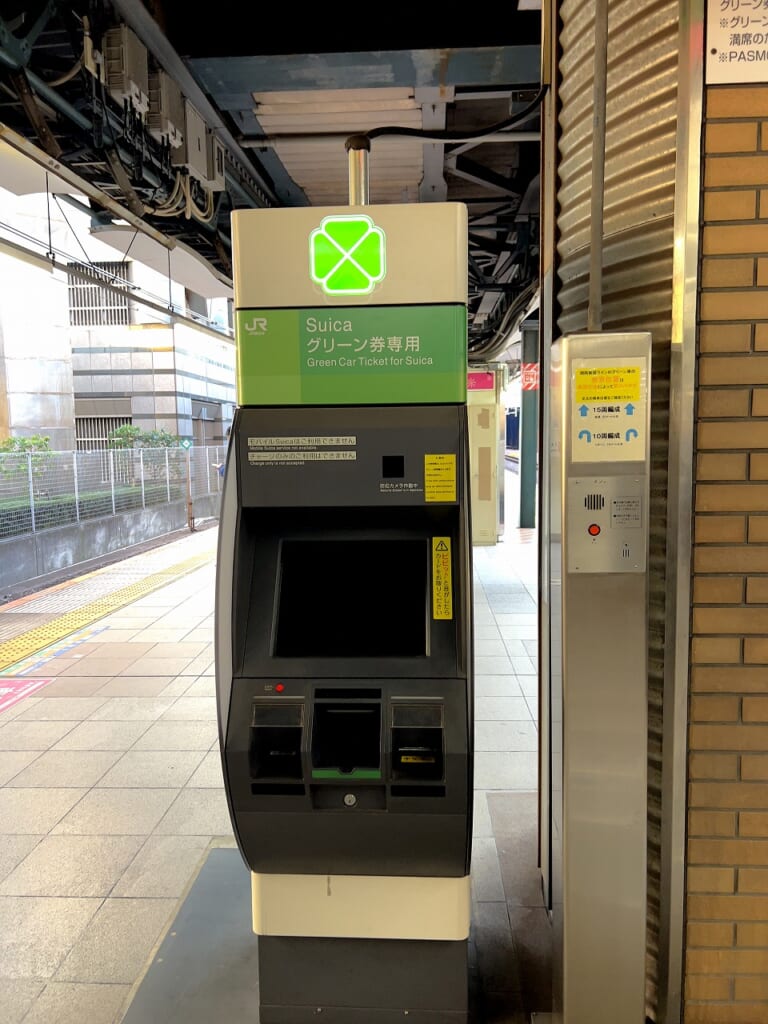
Near the ticket gates or on the platform, you’ll find a Suica green car ticket machine like this.
Operate this machine and select the “green car ticket” to your destination.
Place your card on the designated spot on the machine, and the green car ticket information is entered into your PASMO and you’re done.
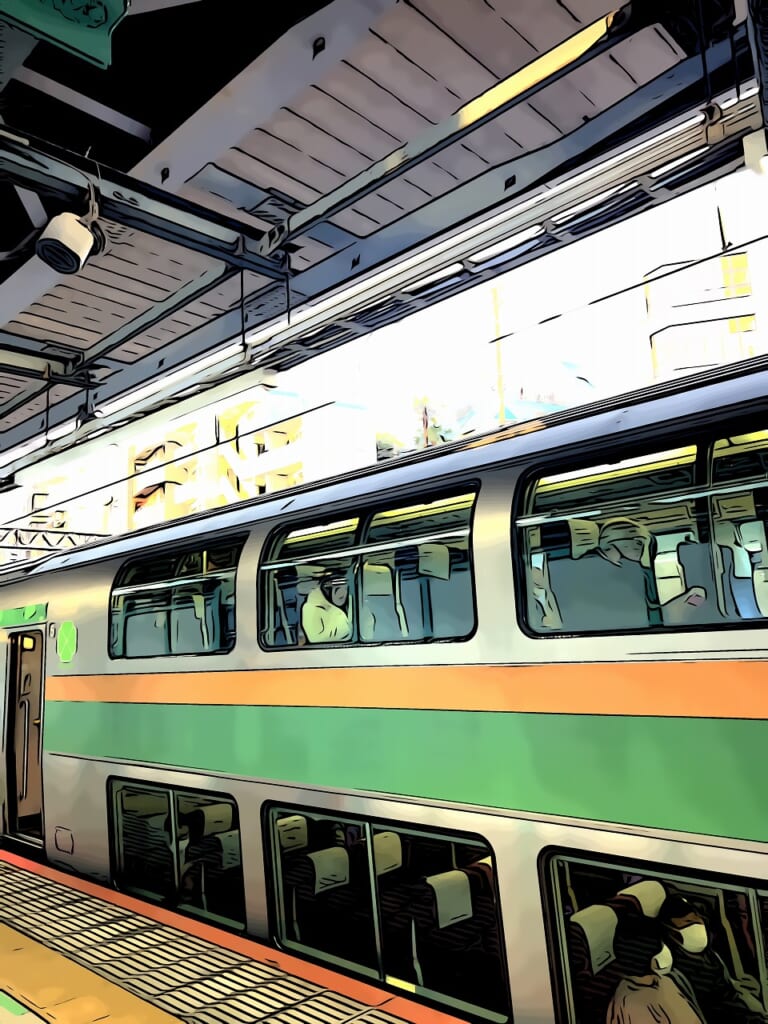
Now that the train has arrived, let’s board.
It’s not a “reserved seat ticket”
, so if the green car is full and you can’t use it, you may be eligible for a refund depending on the circumstances.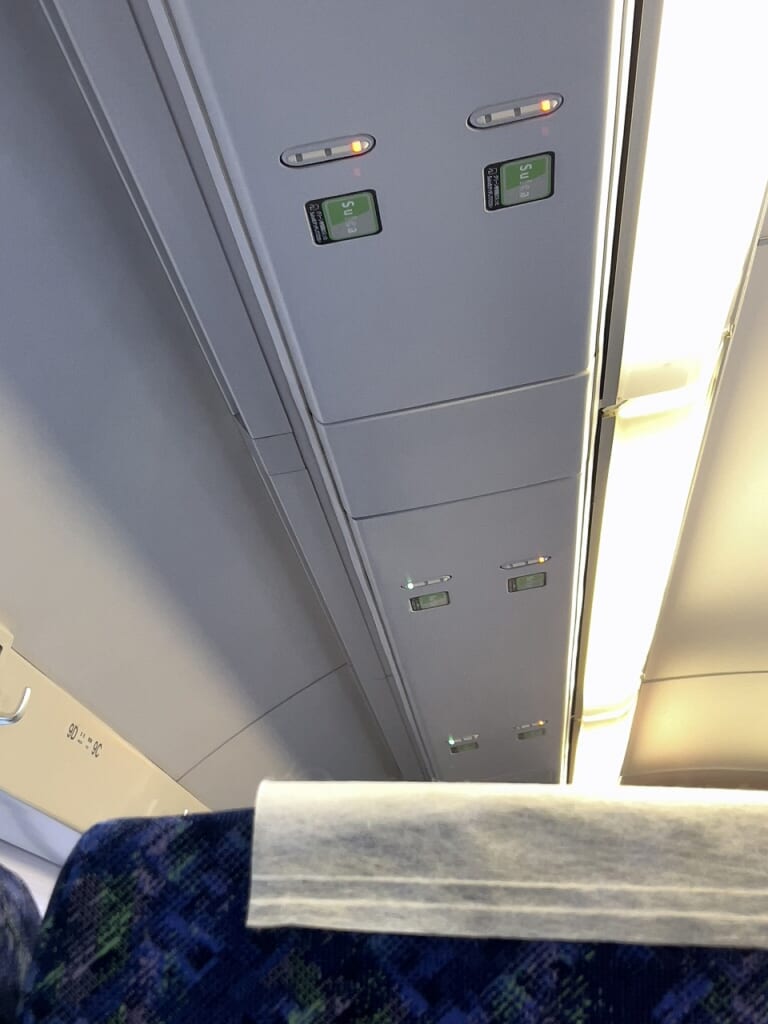
Above the seat you want to sit in, there’s a “Suica” mark. Touch your PASMO to it and……
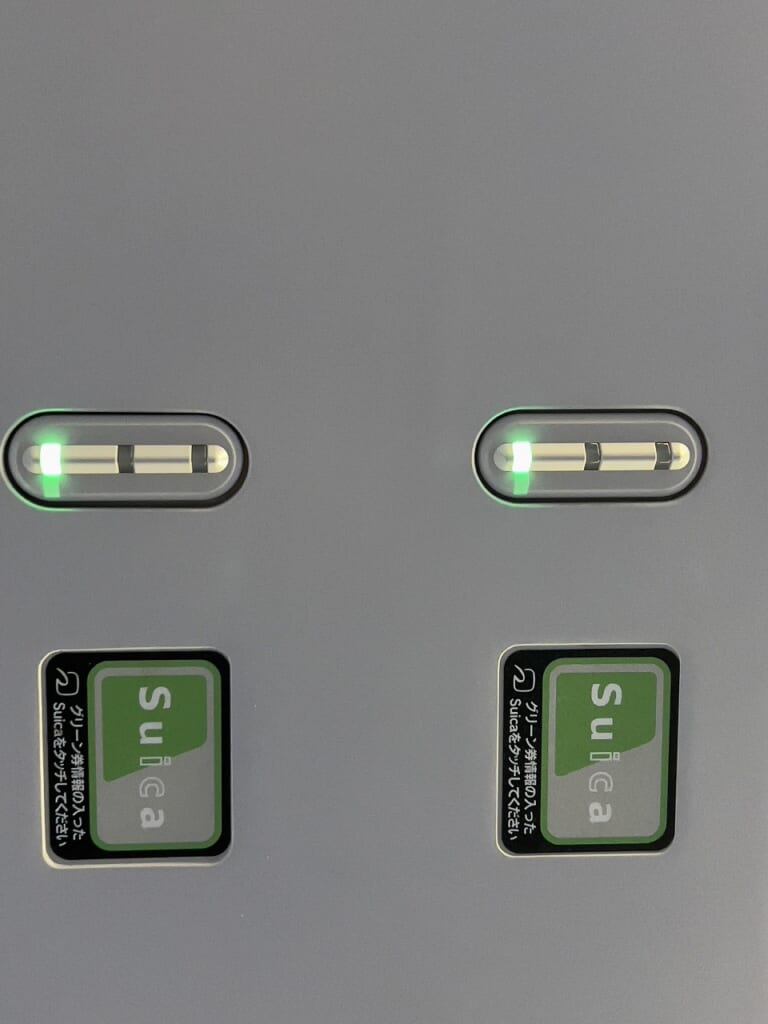
The light turns “green” and the seat becomes available.
If it stays red, the green car ticket information hasn’t been read, so please be careful~
By the way, you can also buy a green car ticket on board, but the price differs from buying at the station or ticket machine, so advance purchase is recommended.
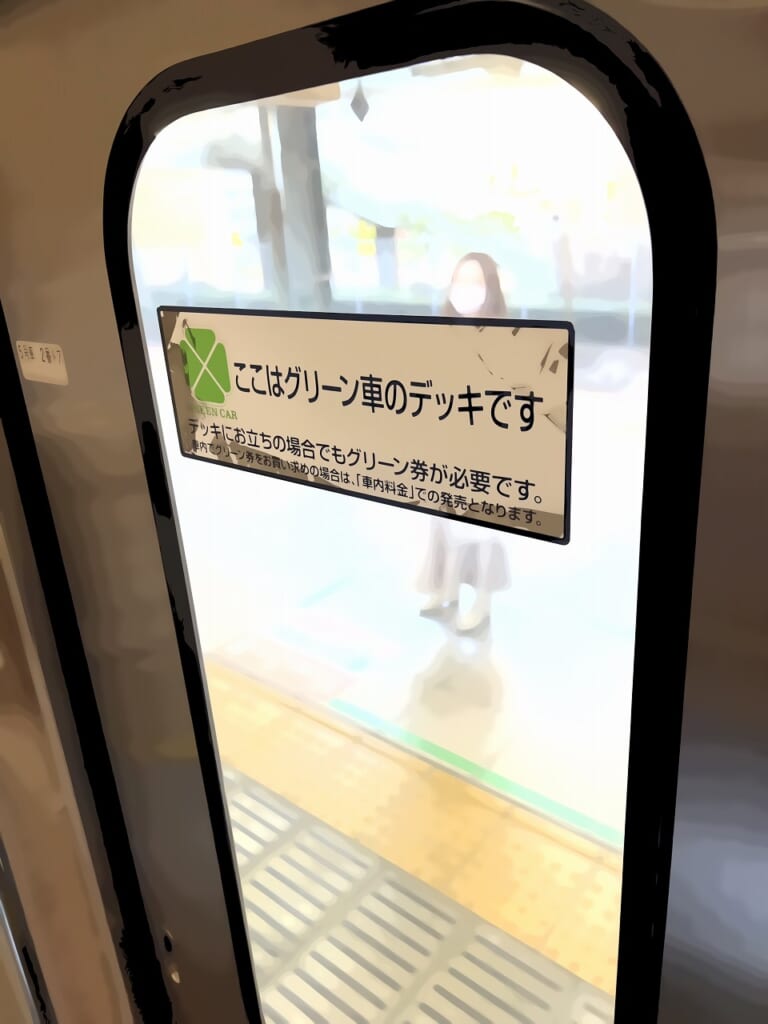
Even if you’re just standing on the deck, you need a green car ticket, so please be careful~