Basically, I write blog posts every day. When I sit at my desk and pound on the keyboard for long hours, my shoulders and neck often get sore and achy.
I’ve tried voice input quite some time ago.
However, the technology wasn’t quite there yet, and with misconversions and copy-paste issues, direct typing was ultimately faster. Those were those days. That’s all in the past now. It’s incredibly convenient, so please give it a try.
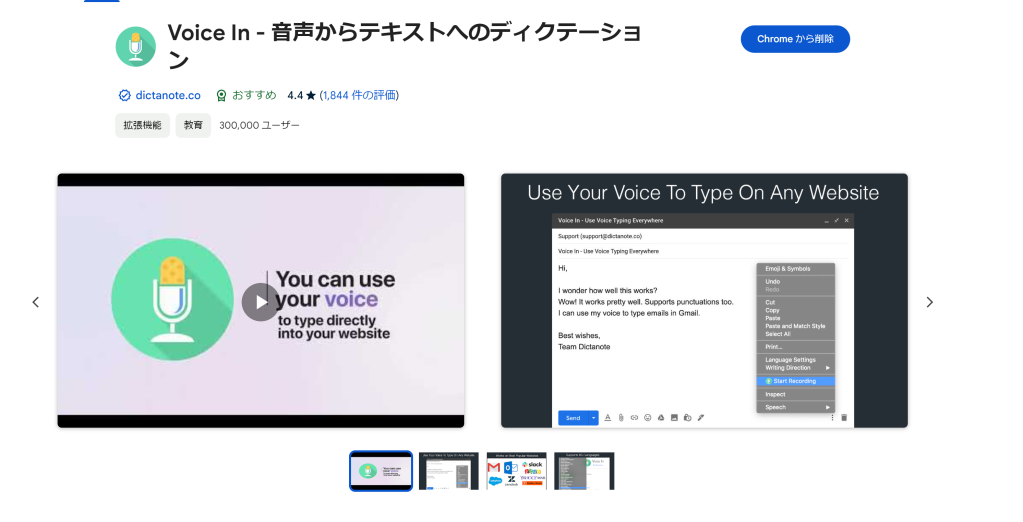
The process is simple. I’ll post screenshots so follow along.
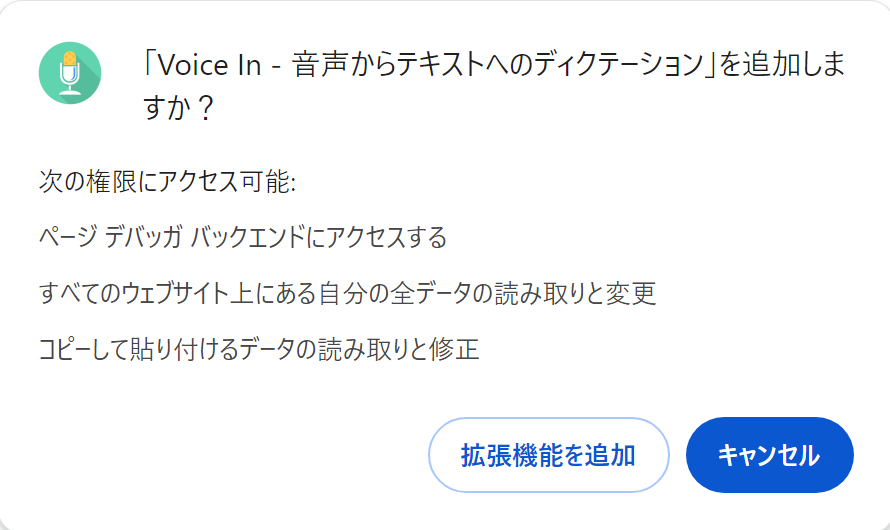
Permit the extension to be added.
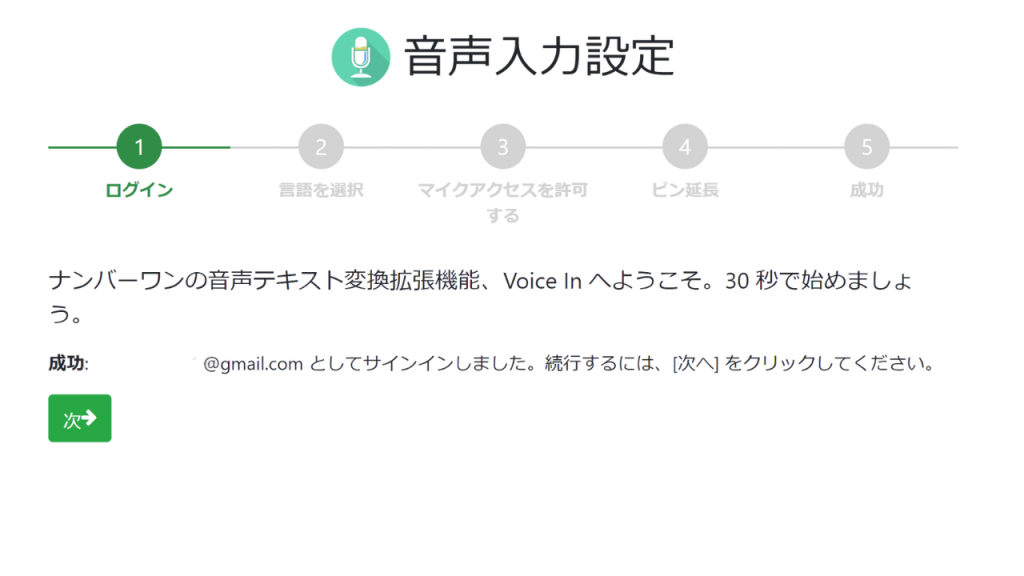
You’ll automatically sign in with your Google account, so click next. I’m translating this screen to Japanese by right-clicking.
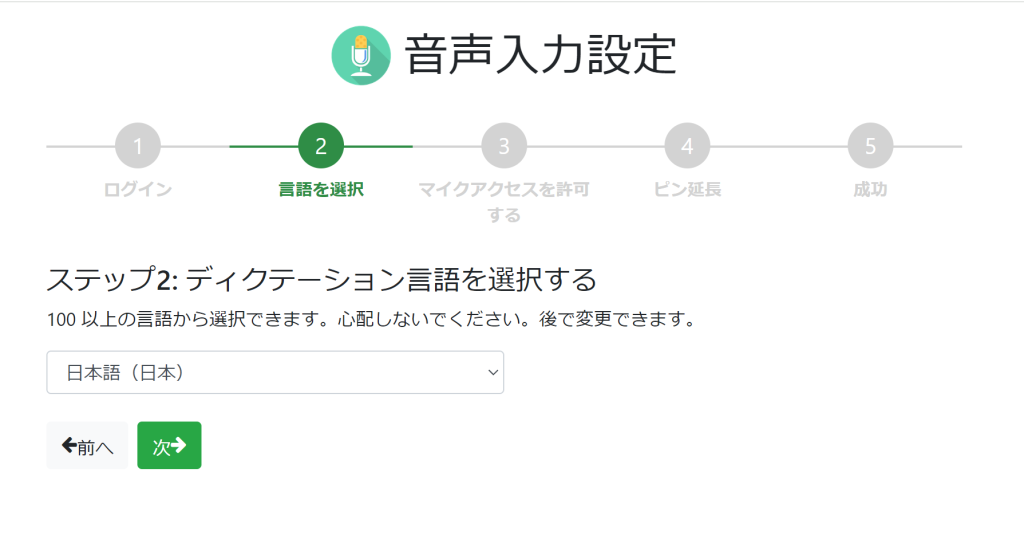
Next, select your language.
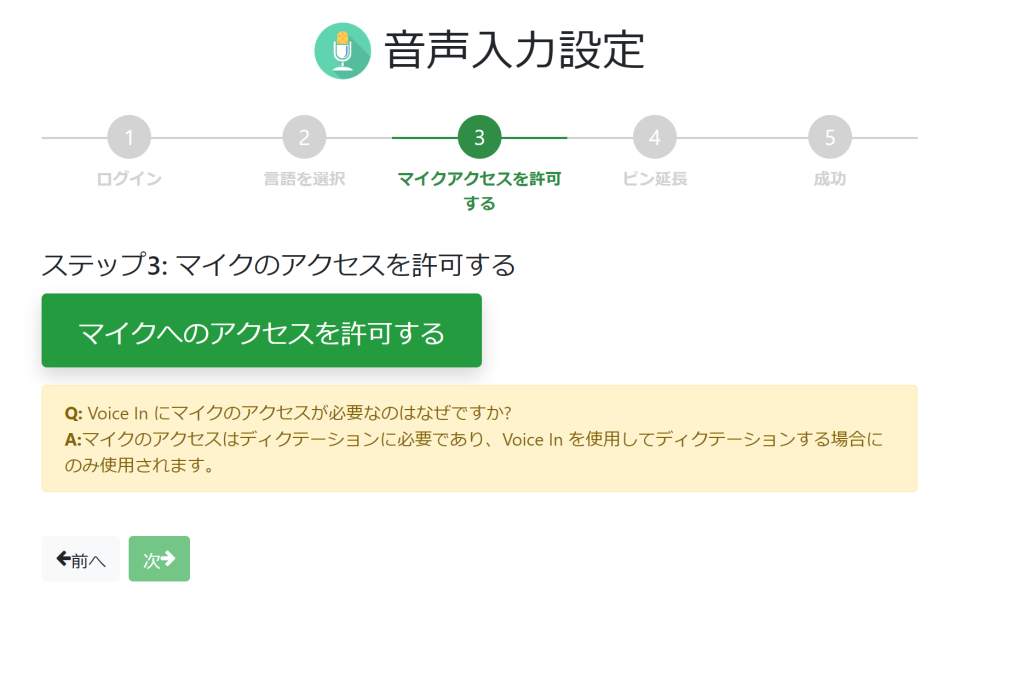
Next, permit access to your microphone.
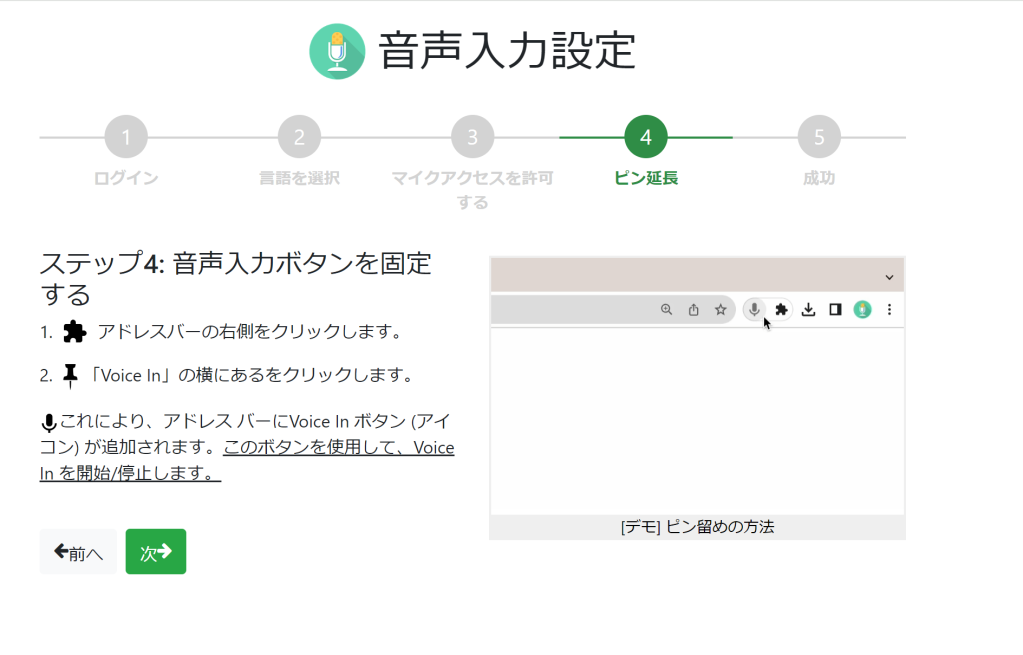
Next, click the extension icon and turn “VOICE IN” on.
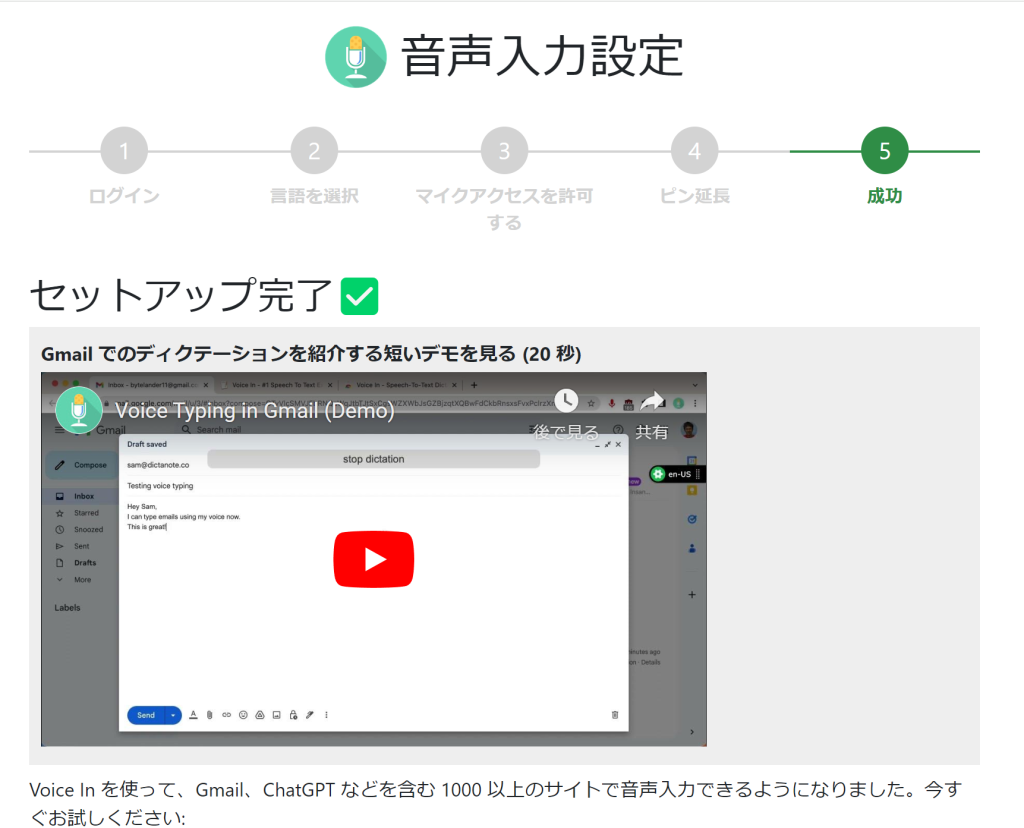
That’s all for setup. What? That’s it! Yes, that’s all! And it’s free. We’re living in a scary age.
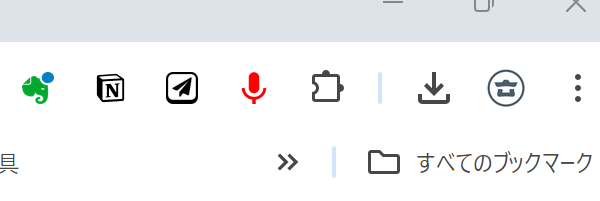
After that, when you want to use voice input, click the VoiceIn pin and it turns red. In this state, you can speak into your smartphone or microphone and it will input your voice.
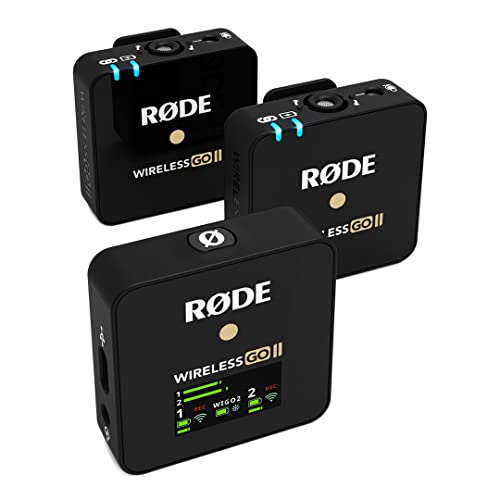
With a smartphone, the response can sometimes be inconsistent, so I recommend using a microphone for input. I attach a wireless GO 2 microphone to my collar for input. By doing this, my hands are free and I can use the keyboard to quickly handle line breaks, diacritical marks, brackets, and text formatting.
We really are living in a wonderfully convenient world.
Your typing skills might decline, but your speaking skills will improve? If you find daily blog input tedious, please try implementing this.
Having a lapel microphone will definitely boost your work efficiency dramatically. Try it with your smartphone first. I hope this is helpful.






 ポチップ
ポチップ